
Table of Contents
IntegraXor has been carefully designed so its project folder is fully portable just like a web site project folder that can be placed anywhere in the file system, as long as engineer avoid using fixed or absolute file path in the project development. Instead, engineer shall use relative file path to ease any future maintenance work. Backing up or restoring the project is a matter of copying the folder to the desired destination, engineer is encouraged to use compression tool for ease of maintenance although an average project folder with thousand tags won't be as big compared to many other HMI/SCADA systems. However, be aware that the default project Access database is stored within the project folder which can contribute significant file size while archiving project.
The default installation creates one main directory Ecava at C:\Program Files, and My Documents\My Projects for project creation.
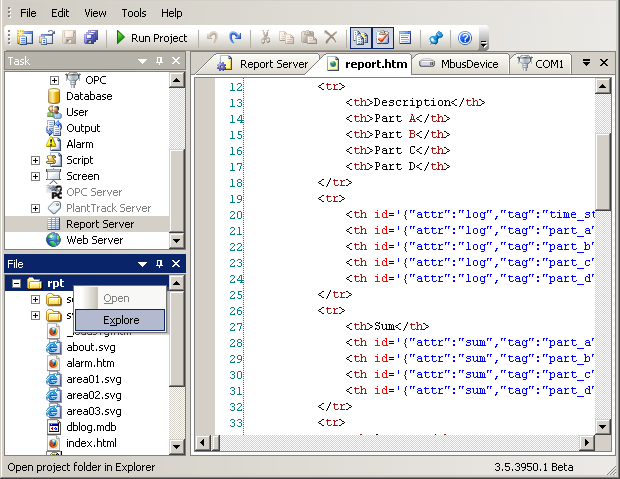
Windows Explorer can be launched from within File View pane by right clicking on the desired folder.
When a web page code is updated, engineer only needs to click Refresh button or pressing F5 as shortcut. No restarting of server is needed. Since all project files are stored at server side, managing and updating of the project is centralized at server side, regardless how far the client system is. No work is needed at client side except refreshing the web page. And they are fully secured since no file is accessible at client side.