


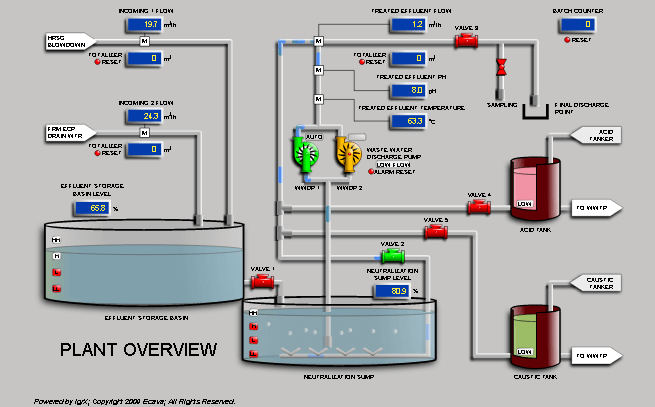


Why Choose Ecava IntegraXor?
Ecava IGX Web SCADA gives you the real niche to win more customers & projects.
Download & learn how to get 35.3% business growth like other users now!
-
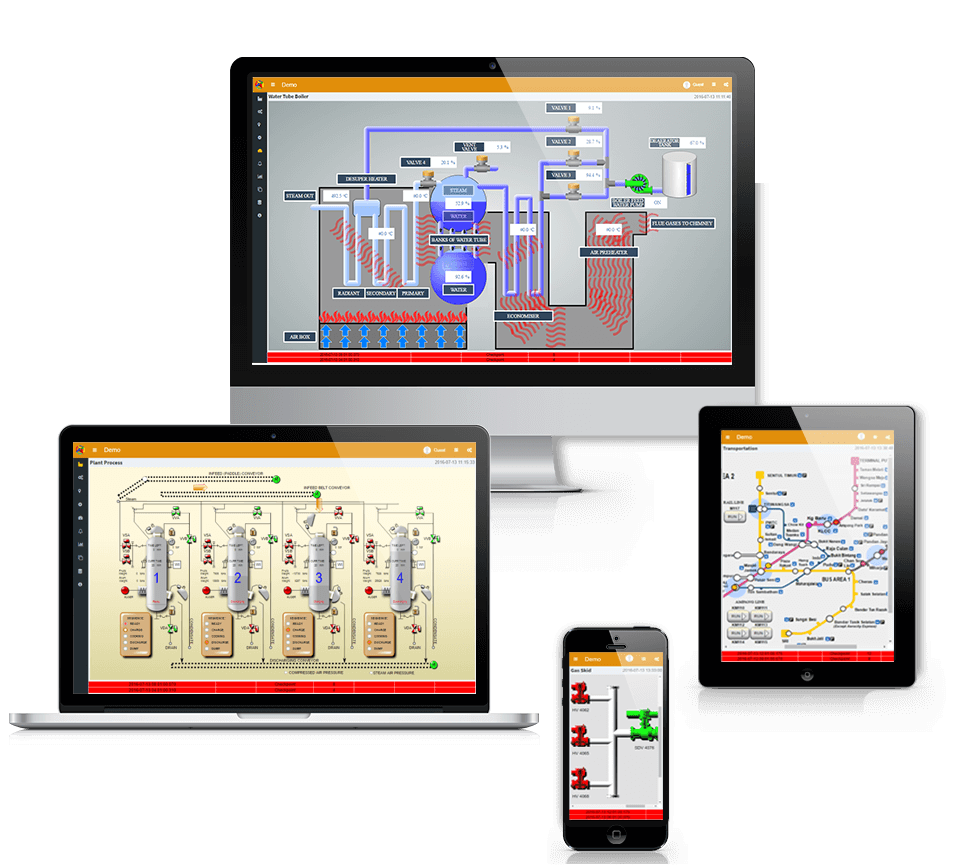
WEB SCADA IN THE CLOUD
– 100% pure web based SCADA
– Run on any browser w/o single download/plugin
– Internet Gateway connects your SCADA on cloud
– No static IP needed
– Emerging to IIoT world
-
EASY TO USE
– Simple One Minute Installation
– Install & Run immediately
– No need to restart Windows
– ZERO Plugin for stunning HMI
– NO coding knowledge required
-
LEAN & FAST
– Minimum system requirements compared to others
– 100% fully customizable project development
– Customer claimed as lightest and fastest SCADA
– IGX Lite: maximum achievement & minimum price
-
RESPONSIVE HMI
– First SCADA with responsive HMI
– Autofit all devices’ screens
– Adopted with Scalable Vector Graphic (SVG)
– Surreal graphic across various resolutions
-
SECURITY
– HTTPS secure web connection
– SSL encryption
– Data protection
– Collaboration with US Cert
TRUSTED & BACK BY NUMBERS
The first version of the class-leading IntegraXor web SCADA was deployed as early as 2003. IGX has gone from strength to strength, currently supporting more than 80% of ethernet drivers on the market, and have successfully been implemented in thousands of sites across over 50 countries.
Countries
% Drivers
Est.
License
Testimonial
You Can have these Success Stories too!
-
The reasons for choosing IntegraXor are more than one. The main is that we need a web server application 'light' in term of data exchange because we work upon satellite transmissions. We tested several SCADA systems and it seems that IGX is the one that gives the best results.
Nicola Camorali - Mediterranea di Navigazione S.p.A.; Italy
-
The older hardware was a good reference of how few resources are needed for Integraxor to run and be usable.
Tanel Truman; Estonia
-
Things are looking very promising and our developers like your concept and the Integraxor software.
Frits Makkinga - Movares Nederland B.V.; Netherlands
-
Thanks for the support. Now IGX has been working very nicely in every sites!
Ilpo Hirvasniemi - HI Automation Oy; Finland
-
Up to now we have installed several IGX projects with satisfactory results!
Luciano Zanollo - FAZA ingeniería SRL; Argentina
-
Based on the experience from buying the software online and help from the support team about technical queries, I could not have asked for any better service than what I have received.
Rajesh Gupta - Science & Technology Facilities Council; U.K.
-
Already installed your program and seems to have a friendly interface even for people who are not very accustomed to mess with this genre of programs.
Diogo Pinho - Tecnobento, lda; Portugal
-
Incredible, beautiful, understandable, professional! Your product IntegraXor is very high quality! you are very talented people.
Danko Dima - International Aluminum Company; Russia
-
It's a great product. I've relied on it for over a year now and recommend it to anyone needing a solid SCADA.
David Cowell - Grass Valley; U.S.
-
Firstly, it’s look simple and effective, furthermore it’s easy for implementation with our projects.
Daniel Cáncer - Mexico
-
... my new dear toy integraXor. I must say it again: I LIKE THIS SOFTWARE. It is intuitive, easy to work with.
Marius Buhociu - Siselec; Romania
-
So far honestly I think they have near on the best support of all the SCADAs i have worked with.
Melissa Frahn - CHS Group; Australia
-
Let me first congratulates about your great HMI system. It's such a easy to learn and highest interactive HMI that we have meet.
Erdet Nasufi; Republic of Serbia
-
So far my experience with Integraxor has been one of the best I've had with any software vendor. Very easy to implement, very user friendly, no hiccups with programming, licensing, or integration. I love the fact that it's all in one, no separate OPC server programs needed. If you guys ever need a reference in the United States, just let me know.
Andy Jones - Lakefront Brewery Inc.; U.S.
-
We are very content with the software we bought 2 months ago. Now we want to use the software on multiple places.
Alex Otter - Access Innovations bv; Netherlands
-
We have tried out your SCADA Software with our Instruments and we are very well satisfied with its performance.
Laxman Patil - Micro Systems & Controls; India

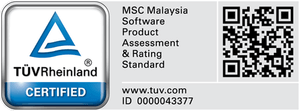
T.Ü.V. Certification
IntegraXor’s commitment to safety, excellent quality, user experience and usability were audited neutrally, and certified with T.U.V. Rheinland stringent requirements and specifications. We also work closely with US-CERT to ensure that all security issues are well addressed.
Money Back Guarantee
If IntegraXor does not meet your expectations, we will honour the IntegraXor Money-back Guarantee.

10 Year Warranty
The only SCADA that comes with peace-of-mind as standard. We have provided excellent support for over 10 years, and we commit to support your business for decades more.

Honorable Mention
ENGINEERS’
CHOICE
AWARD